Employee Attendance Systems: Biometric Machine or Mobile App for a Small Business?
By ATTPL Group · · 4 min read
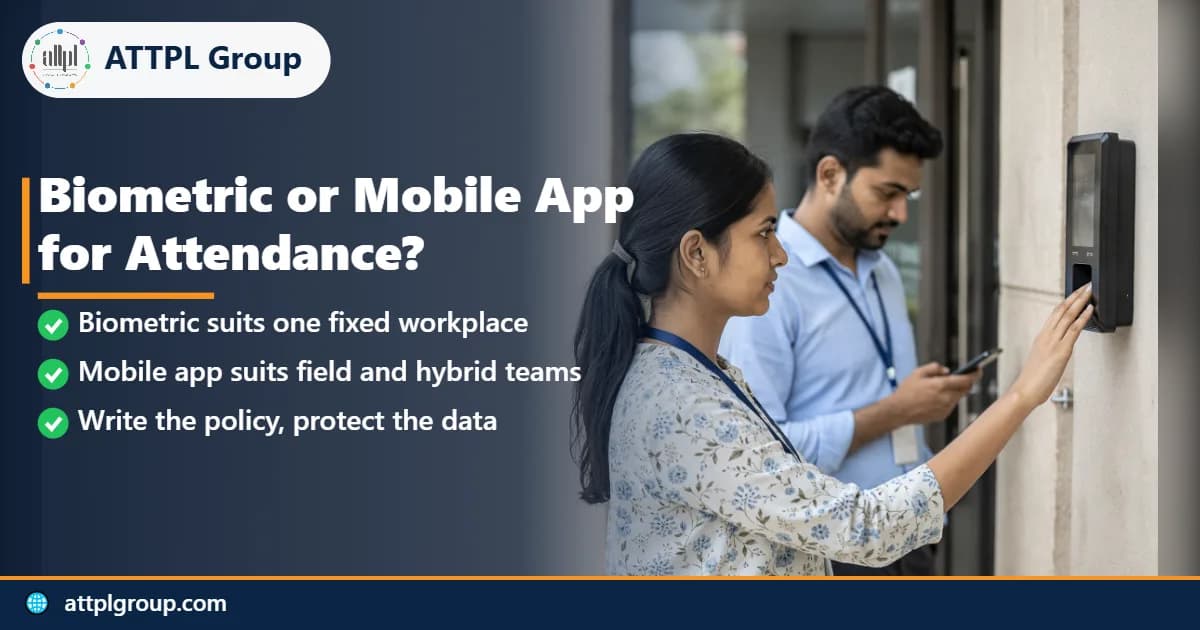
Attendance is the base of salary, leave and discipline. Many small businesses still use a paper register, which leads to mistakes and arguments at month end. Two common upgrades are a biometric machine and a mobile attendance app. Each has benefits and limits, and the right choice depends on how your team works.
1. Biometric attendance
A fingerprint or face machine at the entrance records who came and when. It works well for fixed locations such as a shop, factory or office where everyone arrives at one place.
- Good: hard to misuse, no need for staff phones, clear daily record
- Limits: fixed to one location, needs power and maintenance, wet or dirty fingers can fail, and each branch needs its own machine
2. Mobile attendance app
Employees mark attendance with their phone, often with a selfie and location. It suits field staff, sales teams, delivery staff and businesses with many small sites.
- Good: works from anywhere, location records, low set-up effort, easy reports
- Limits: needs smartphones and internet, location can be misused unless checks are in place, and privacy must be handled with care
3. How to choose
- Fixed workplace with a large team: biometric, possibly with a mobile backup
- Field or hybrid team: mobile app with location and photo checks
- Both kinds of staff: use both and bring the data into one report
- Check that the system exports data to your payroll, with leave and holiday rules
4. Rules to set before you start
- Write the attendance and late-coming policy in your handbook. See our guide to the employee handbook
- Tell employees what data you collect, why and who can see it
- Decide how corrections and missed punches are approved
- Keep records safe, and delete them after the period you need them
When you hire new staff, add attendance steps to the onboarding checklist.
5. Start with a small pilot
- Choose one team or location and run the new system for a few weeks.
- Keep the old register at the same time and compare the two every week.
- Note the problems, such as failed punches, missed locations or confusion about shifts.
- Fix the rules and settings, and then extend the system to everyone.
6. Handle privacy and consent with care
Fingerprints, face data, photographs and location are personal information. Collect only what you need, explain the purpose in simple words, store the data securely and limit who can see it. Ask your vendor where the data is kept and how it can be deleted when an employee leaves. Rules on personal data can apply, so take advice from a qualified professional if you are unsure.
7. Link attendance to leave and payroll
Attendance data becomes most useful when it flows into leave balances and salary calculation. Decide how late arrivals, half days, overtime, weekly offs and holidays will be counted, and set these rules in the system. Review a sample salary sheet with the accounts team before the first live month, so that mistakes are found early.
8. Common problems and simple fixes
- Missed punches: allow a correction request with a manager’s approval.
- Buddy punching: use biometric or photo checks and review unusual patterns.
- Poor network: choose a system that stores punches and uploads them later.
- Device failure: keep a backup method for a few days and a service contact.
- Staff resistance: explain the benefits, such as accurate pay and fair leave records.
9. Think about the full cost of ownership
Compare not only the purchase or subscription, but also installation, support, replacement of damaged devices, updates and the time your team spends on corrections. Ask the vendor what happens if you stop using the service and whether you can export your data.
10. A short policy outline
- Working hours, grace time and how late arrival is treated
- How attendance is marked and what to do if the system fails
- Rules for field staff and remote work
- Approval of leave, correction and overtime
- Data protection and who can access the records
A simple review routine
At the end of each month, check late arrivals, absences, corrections and overtime with the team leaders before the data goes to payroll. Share a summary with employees so that they can raise a mistake early. This habit keeps trust high and reduces arguments about pay.
Frequently asked questions
Is a selfie attendance app reliable? It can work well with location and photo checks, but it needs clear rules and occasional review to prevent misuse.
Do we still need a paper register? Keep one as a backup in the early weeks, then retire it once the new system is stable.
Can both systems run together? Yes. Many businesses use a machine at the office and an app for field staff, with one combined report.
Need help setting up HR systems? Call ATTPL Group toll-free on 1800 890 0815.
Disclaimer: This article is general information, not legal advice. Labour and data protection rules apply to attendance records; take advice from a qualified professional.